Context Gate
Context Gate is the tools/list filter. It shapes what an agent is even allowed to see — filtering the tool catalog a server returns before the agent sees it — to protect against tool sprawl, schema bloat, and least-privilege violations. Open Policies → Context Gate.
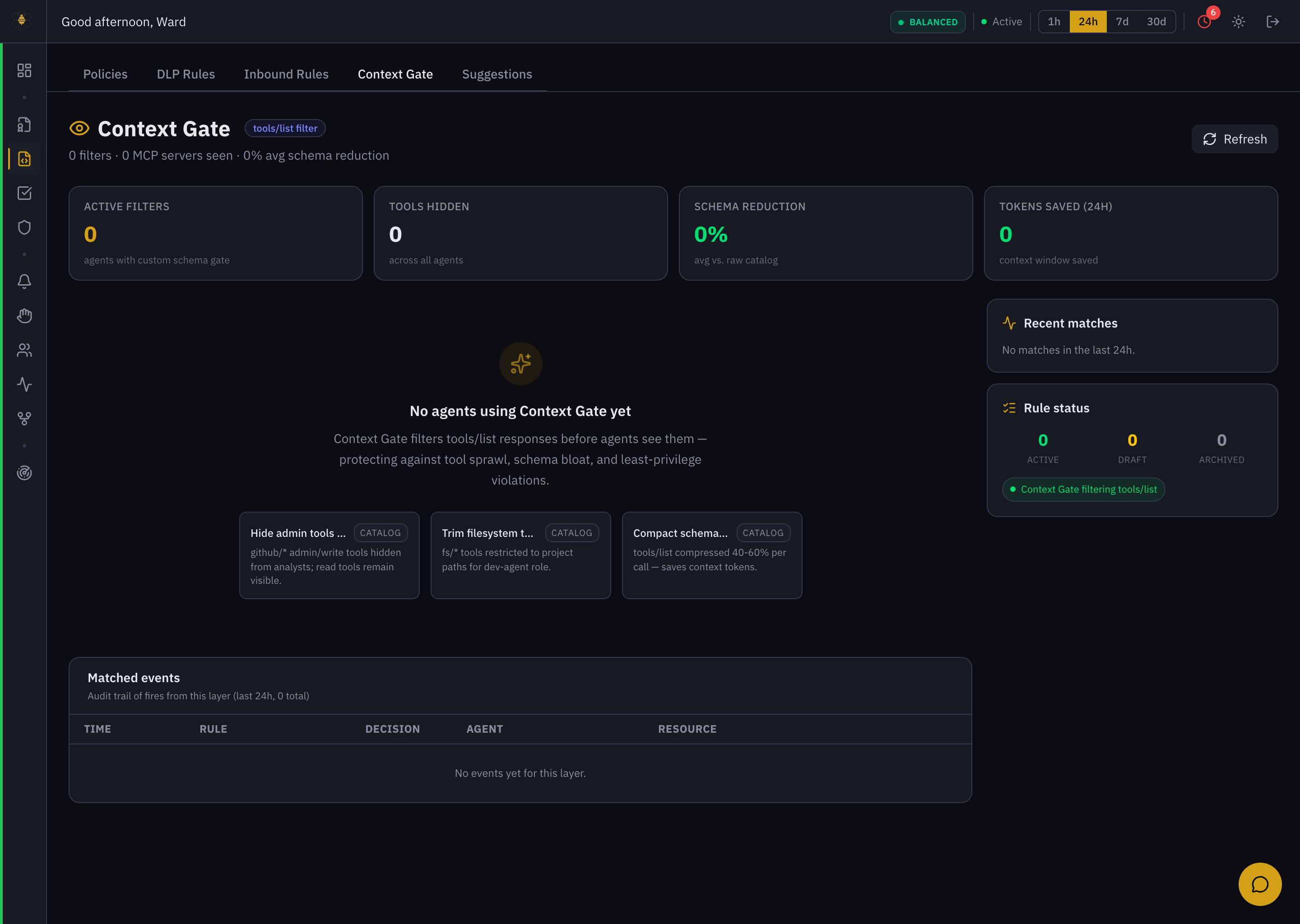 Context Gate — schema reduction and token savings, with catalog templates for hiding tools and compacting schemas.
Why filter the tool list
When an agent connects to an MCP server, it fetches a tools/list — the menu of everything it could call. Two problems follow:
- Least privilege. An analyst agent shouldn't even be offered
githubadmin/write tools. Hiding them is stronger than allowing the call and denying it later — the agent never knows the capability exists. - Cost & focus. A giant tool schema burns context tokens on every call and invites the model to wander. Trimming and compacting it saves tokens and keeps the agent on task.
What it tracks
- Active Filters — agents with a custom schema gate.
- Tools Hidden — across all agents.
- Schema Reduction — average size cut vs. the raw catalog.
- Tokens Saved (24h) — context-window budget reclaimed.
The catalog
| Template | What it does |
|---|---|
| Hide admin tools from read-only | github/* admin/write tools hidden from analysts; read tools remain visible. |
| Trim filesystem to /projects | fs/* tools restricted to project paths for a dev-agent role. |
| Compact schema mode | tools/list compressed 40–60% per call — saves context tokens. |
How it fits
Context Gate runs before policy evaluation: it decides what the agent sees, then policy decides what the agent may do with what it called, and DLP / Inbound Rules inspect the data flowing through. Together they are defense in depth around a single tool call.
Install a template or create a filter, scope it to a role or agent, and watch Schema Reduction and Tokens Saved to confirm it's working. See Context Gate for the model and Cost / FinOps for how the token savings show up in spend.