Ask Behavry — the In-Product Copilot
Ask Behavry is an AI copilot built into the dashboard. It answers questions in plain language — about onboarding, or explaining an alert, escalation, agent, or policy decision — and can draw on your tenant's live data. For an operator who is still learning the product, it is the fastest way to get unstuck without leaving the page you are on.
Opening it
Click the copilot button in the bottom-right corner of any page. A panel titled Onboarding Assistant opens with two tabs:
- Ask BehavryAI — a free-form chat. Type a question and press Enter. Best for "what does this mean?" and "how do I…?"
- FAQ — a short list of common questions and answers, for quick reference without typing.
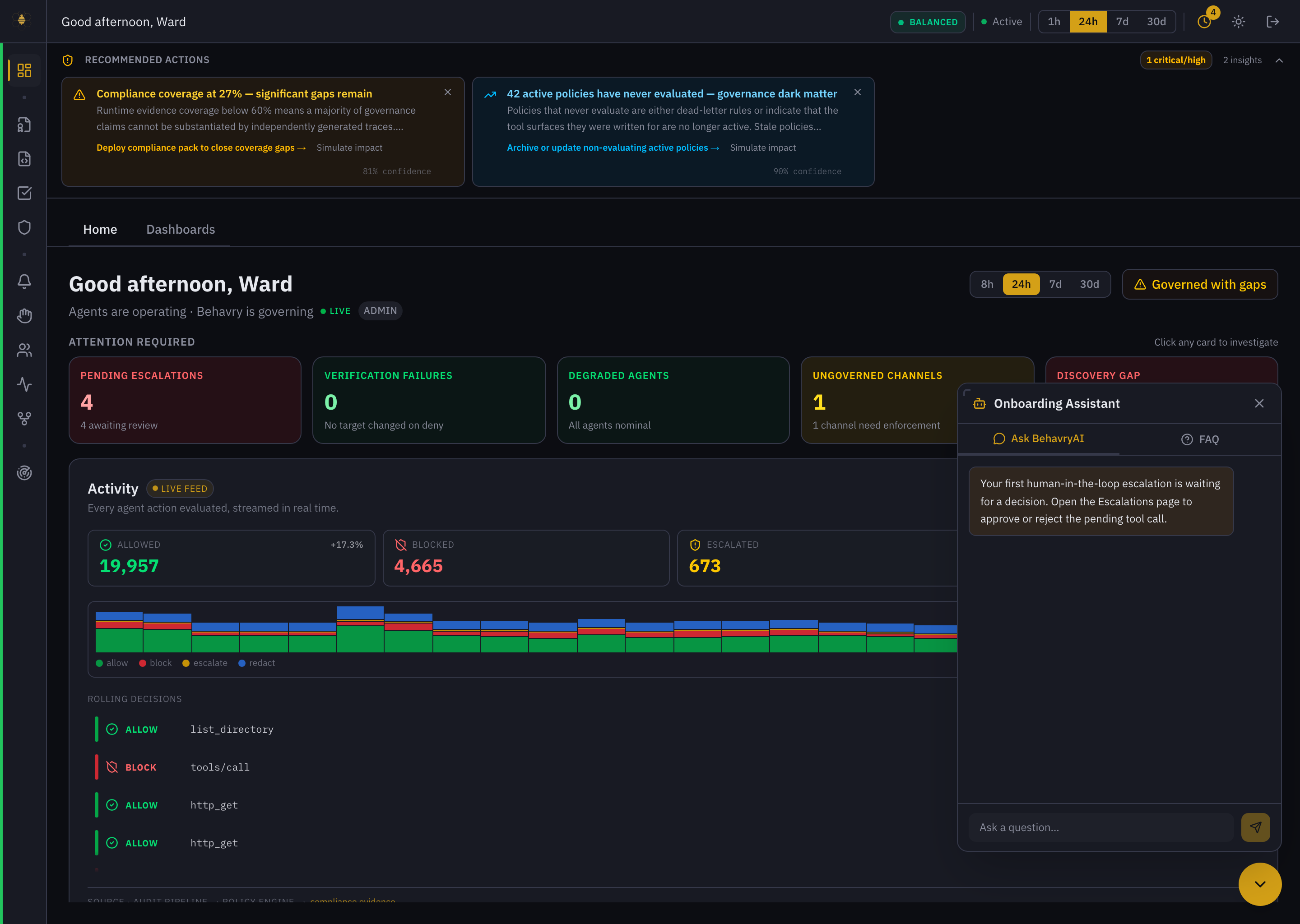 Ask Behavry — the Onboarding Assistant panel, with the Ask BehavryAI and FAQ tabs.
What to ask
Two kinds of questions work especially well:
- Explanatory / how-to — "What does a block decision mean?", "How do I enroll an agent with least privilege?", "What is an escalation?" The copilot explains the concept and points you to the exact dashboard controls to act on it.
- Live-data — "Which agents are highest risk right now?", "Explain this tenant's riskiest agent." When the underlying data lookup is available, it answers from your live data; when it is not, it says so plainly and directs you to the right surface (for example Agents → Operational Exposure, or Alerts filtered to Critical / Open).
Worked examples
Example 1 — Investigating a block
You ask: "What does a 'block' decision mean, and how do I investigate one?"
Behavry answers that a block (deny) means a policy evaluated the agent's action and the Rego rule returned deny — the action was stopped before it executed. To investigate:
- Decision Traces → filter by
policy_result = denyand your agent or time window; each event shows the attempted action, the policy that fired, and the reason. - Policies → open the policy named in the deny reason to read the exact rule that triggered.
- Agent profile → check risk dimensions (
action,access,intent_drift) to see if the block fits a broader pattern. - Alerts → look for related behavioral alerts (e.g.
behavioral_drift) on the same agent.
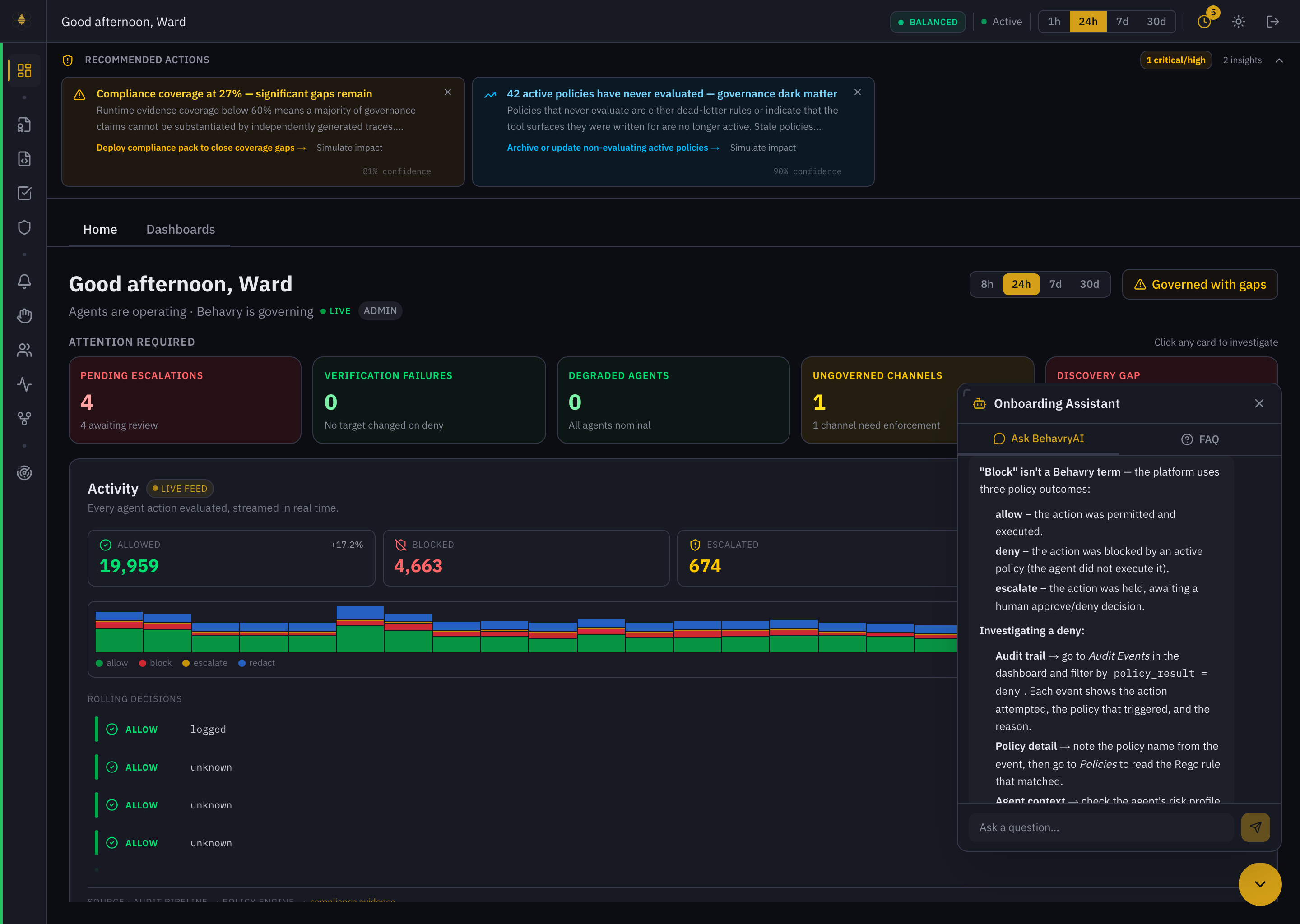 Ask Behavry explaining a block decision and how to investigate it, over the live dashboard.
Example 2 — Enrolling with least privilege
You ask: "How do I enroll a new agent with least privilege?"
Behavry answers: enroll the agent first, then trim its permissions.
- Agents → Enroll Agent — give it a name, type, and owner; don't assign broad roles at creation.
- Assign only the roles it needs — pick the narrowest role that covers its real tasks; avoid
adminor catch-all roles. - Check the Lethal Trifecta (agent profile → Operational Exposure) — sensitive-data access + untrusted content + external egress together is high exfiltration risk; remove any of the three that isn't genuinely needed.
- Set an oversight policy that escalates high-impact actions for the agent until you trust it.
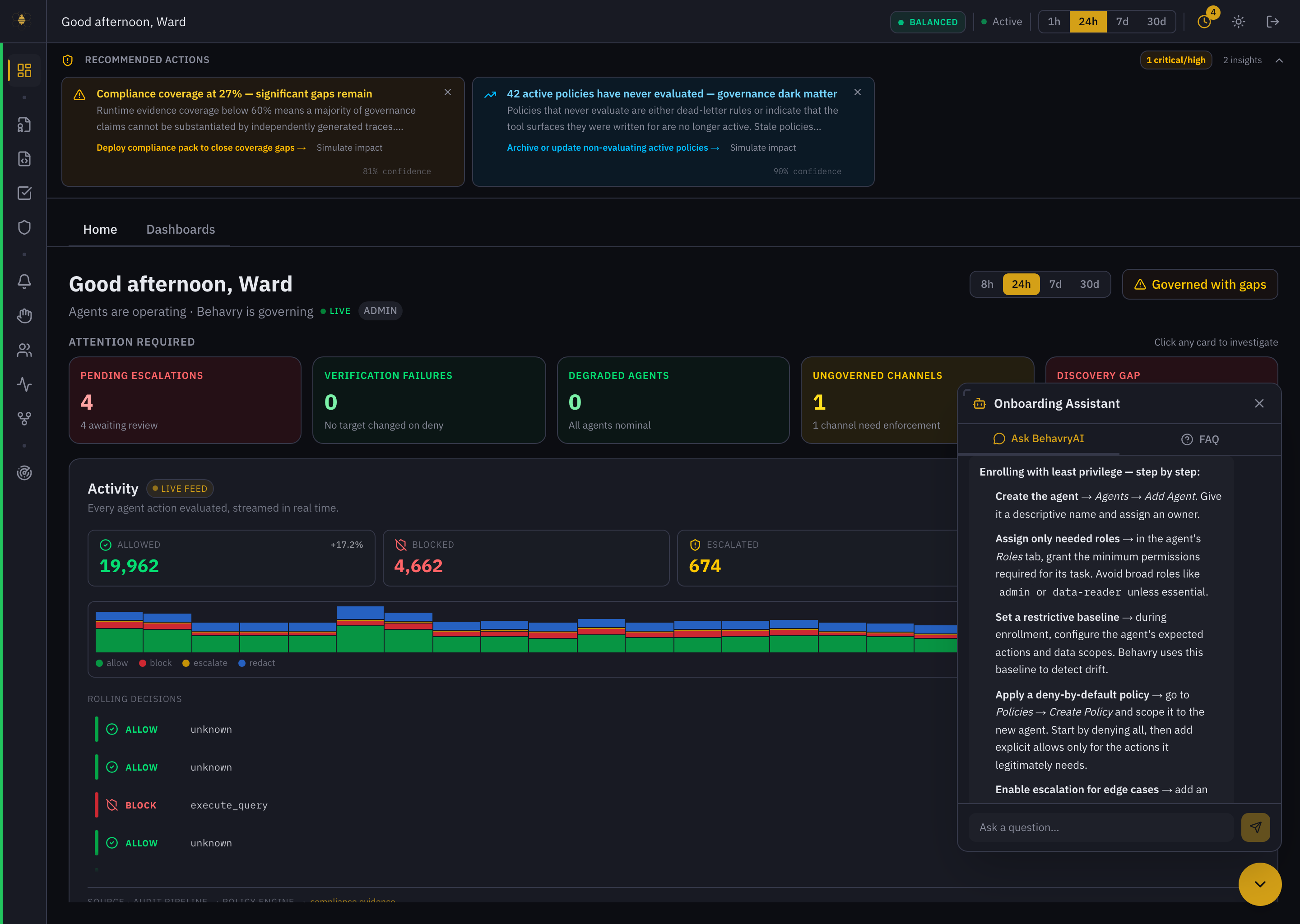 Ask Behavry walking through least-privilege enrollment.
Ask Behavry is powered by a Claude model and is scoped to your deployment. It reads your live governance data to answer data questions and never changes anything on its own — it explains and recommends; you take the action.